Compliments can provide useful, positive feedback to staff. Often parents and caregivers are unsure how to express a compliment to a member of staff in an appropriate way. They can be made informally directly to the staff member or more formally in writing to the Principal or Deputy Principal.
A concern is something which worries a person, can easily be expressed verbally and can usually be readily resolved.
Anyone who has a concern should raise it as soon as possible with the most appropriate person at Matamata Primary School. This is usually with the staff member who is directly involved (e.g. Teacher, Syndicate Team Leader). The person who receives the concern or complaint may refer the matter to a more appropriate staff member, which may include senior staff, the Principal, or the Board of Trustees.
If you have a concern about a matter which you do not feel able to discuss with Teacher directly or which does not involve a Teacher, you may wish to contact the relevant Syndicate Team Leader, Deputy Principal or Principal. Serious matters can be raised directly with the Principal, who may escalate the matter to the Board of Trustees as required.
A concern or complaint about the Principal should be raised with the Presiding Member of the Board.
A concern or complaint about the Presiding Member of the Board should be raised with another Board Member.
If a person feels their concern or complaint has not been resolved after receiving a response, they may escalate the matter to the Principal or the Board.
If the concern is not resolved through this process, a formal complaint may be made. This must be done in writing to either the Principal or the Presiding Member of the Board. All of our school policies, including our concerns and complaints policy, are available on the School Docs website. To access these Policies and Procedures, please visit https://matamataprimary.schooldocs.co.nz/ and select Matamata Primary School if prompted, with the password 3400.
Our concerns and complaints process is outlined below:
Parents, please support our local businesses


















Call Direct

Send Email

Visit Website
Call Direct
Send Email
Visit Website
Call Direct
Send Email
Visit Website
Call Direct
Send Email
Visit Website
Call Direct
Send Email
Visit Website
Call Direct
Send Email
Visit Website
Call Direct
Send Email
Visit Website
Call Direct
Send Email
Visit Website
Call Direct
Send Email
Visit Website
Call Direct
Send Email
Visit Website
Call Direct
Send Email
Visit Website
Call Direct
Send Email
Visit Website
Call Direct
Send Email
Visit Website
Visit Website
Visit Website
Call Direct
Send Email
Visit Website
Call Direct
Send Email
Visit Website
Call Direct
Send Email
Visit Website
Call Direct
Send Email
Visit Website

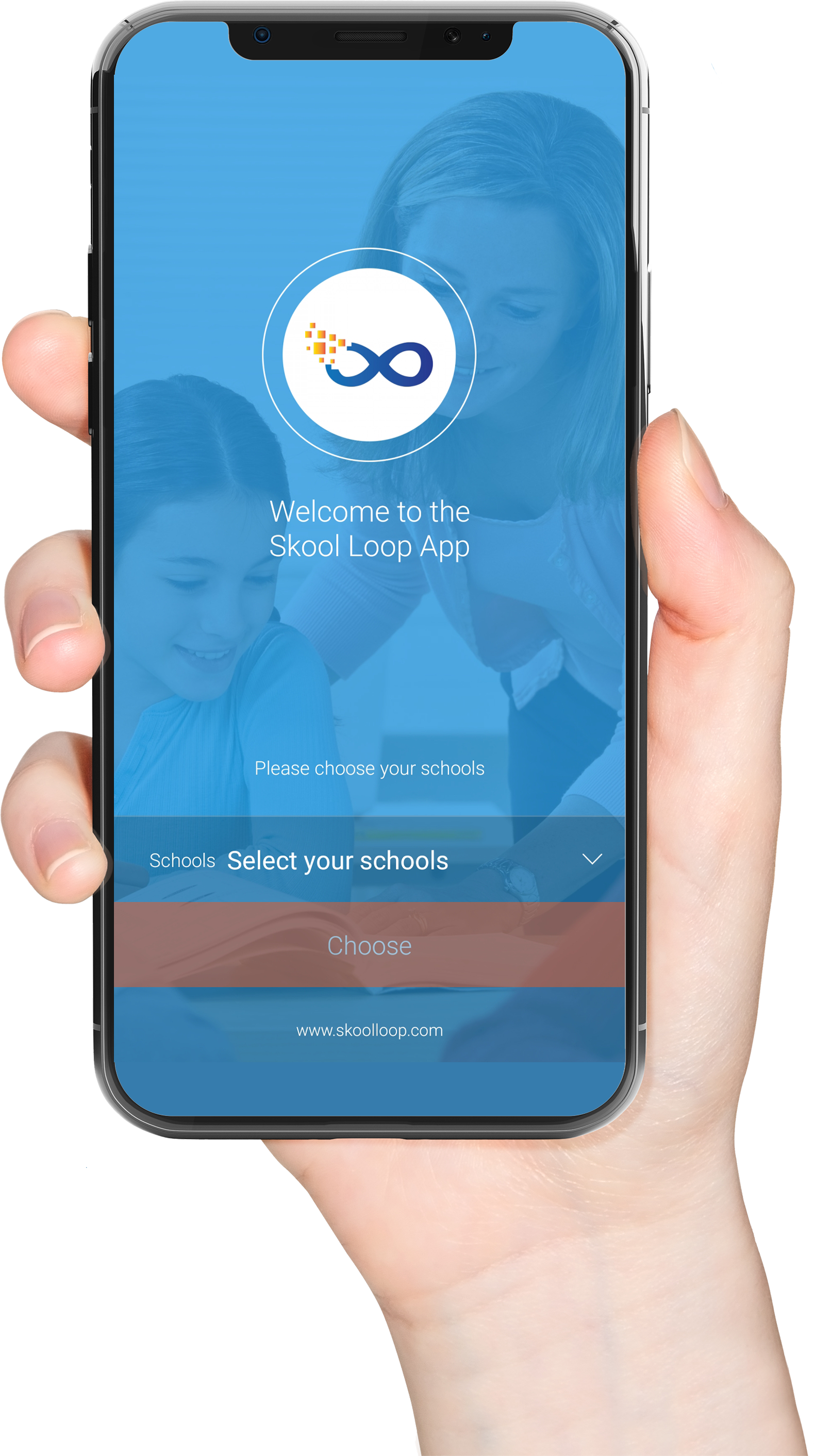
Scan this code to download the app
Download our Skool Loop App, a simple and free download. In Google Play & App Store search ‘Skool Loop’ and choose our school once installed.